
Connecting Systems
How STRAX registers databases, REST APIs and SaaS products, tests the connection and discovers their tables and fields automatically.
See this on the STRAX product page →
One register of everything you run
Integration starts with an inventory. STRAX keeps one register of every system it connects to, with a business-friendly name, an owner and a plain-language description of what the system does. The register covers relational databases such as SQL Server, MySQL and PostgreSQL, and REST APIs of any shape. Each entry answers a question most organisations struggle with: what do we run, who owns it, and what data does it hold.
For a typical customer such as Demo ISP, the register might list Splynx for billing, NetBox for network inventory, HubSpot for sales, Zendesk for support and an in-house provisioning database. Each appears once, described in the owner's own words.
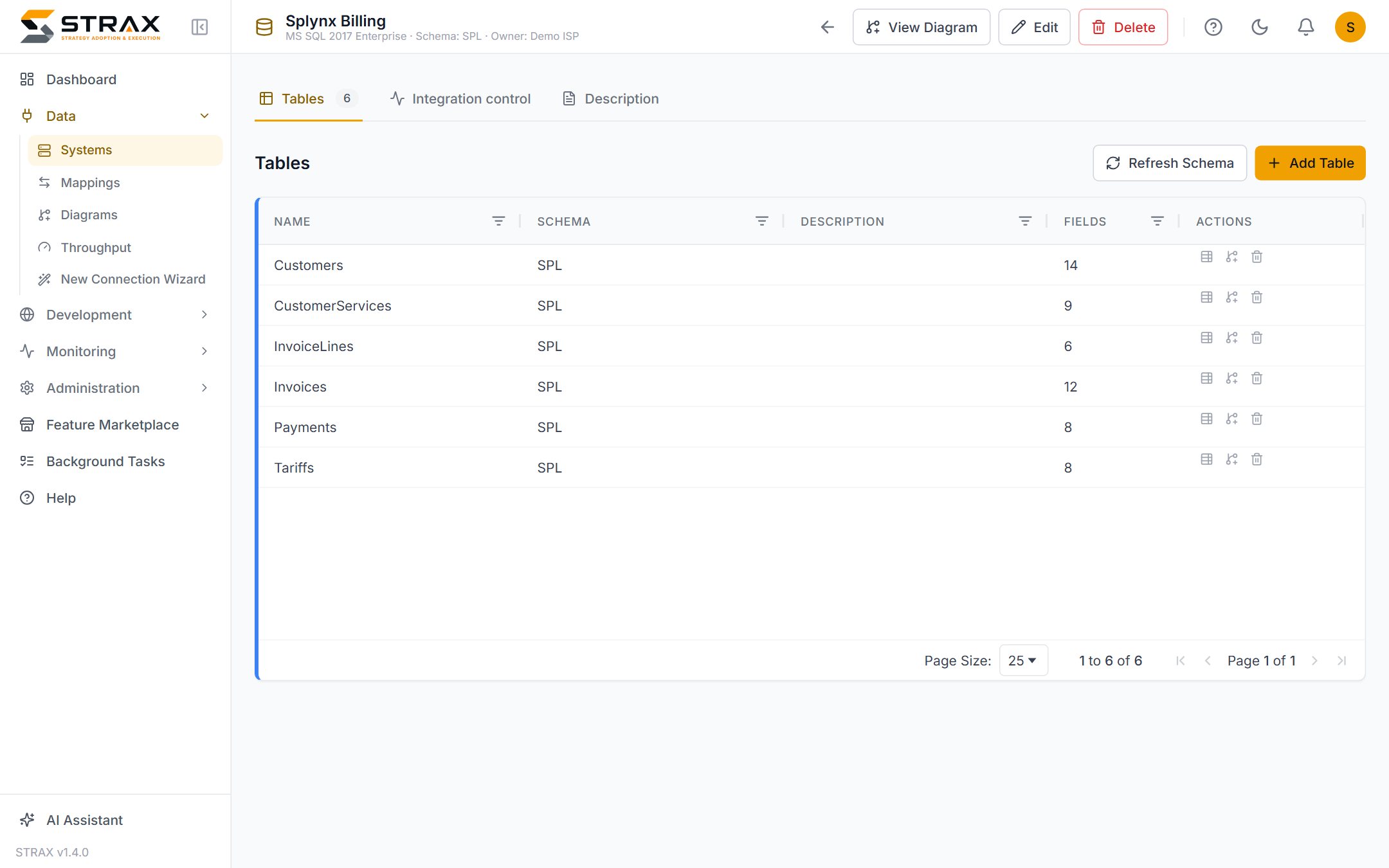
A guided connection wizard
New connections are made through a guided wizard rather than a configuration file. You choose the connector type, enter the connection details, and STRAX tests the connection immediately. A failed test reports the actual cause in plain terms, whether that is a wrong password, an unreachable server or a missing API permission, and you can correct the details and try again without starting over.
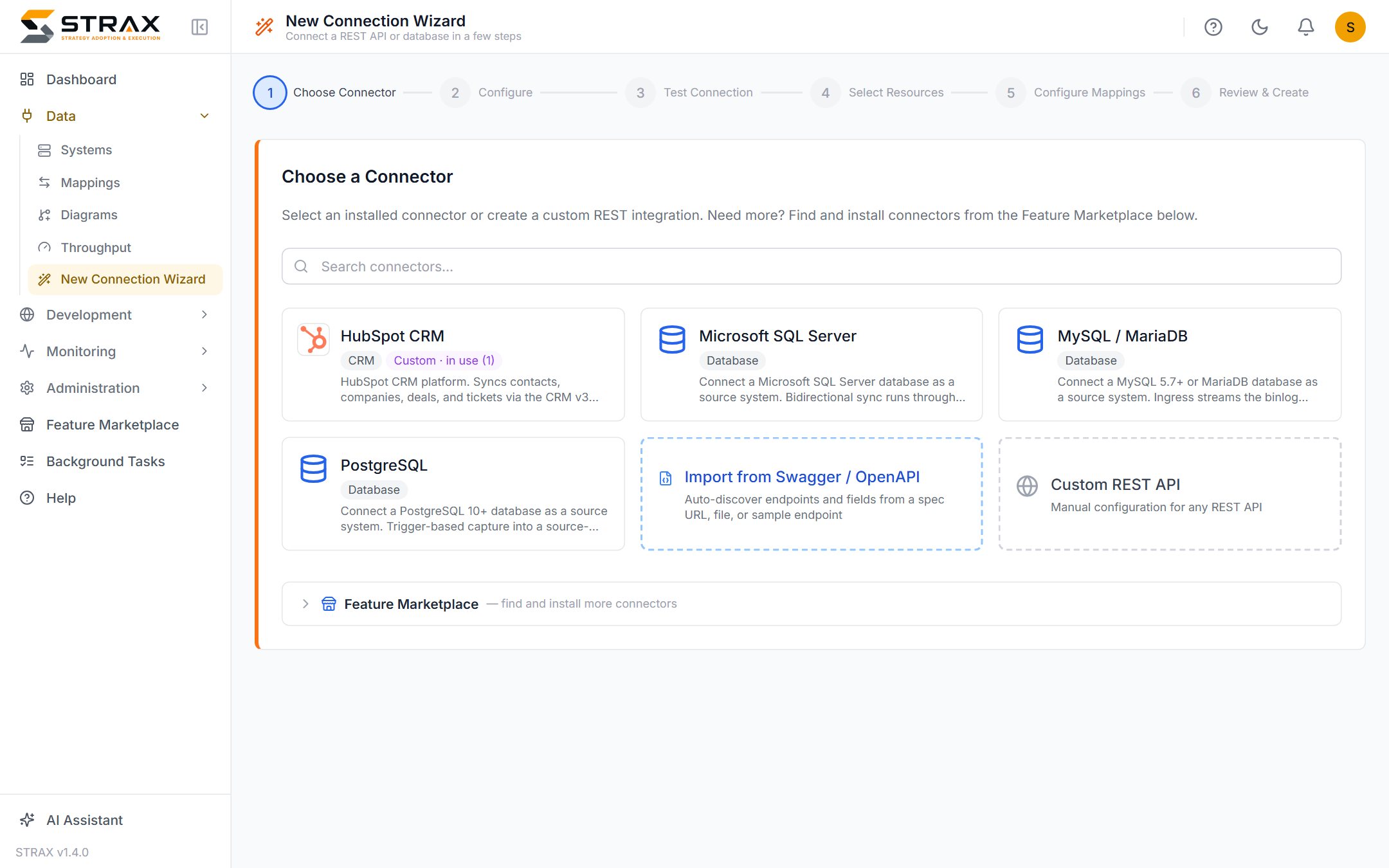
Once the test passes, STRAX reads the system's structure for you. Every table and field, with its name, data type and keys, is discovered automatically and recorded in the register. For a REST API, the available resources are discovered in the same way and treated as tables. Nobody types in a schema by hand, and nothing is missed because someone forgot a column.
Discovery can be repeated at any time. When a source system gains a column after an upgrade, one refresh brings the register up to date without disturbing the descriptions and settings already in place.
Pre-built connector profiles
Popular SaaS products need almost no configuration at all. The STRAX marketplace carries pre-built connector profiles for products such as Shopify, HubSpot, GitHub and Zendesk. A profile already knows the product's endpoints, authentication style and paging behaviour, so connecting HubSpot means entering your credentials and choosing which resources you want. A blank REST connector remains available for APIs without a profile.
Credentials stay in the vault
Connection credentials are stored in an encrypted vault, never in plain text. The console shows that a credential exists and where it is used, but never displays the secret itself. Credentials are managed separately from the connections that use them, so rotating a password is one change in one place, and exported configuration never carries a live secret.
What connecting achieves
Connecting a system does not move any data by itself. It gives STRAX, and everyone in your organisation, an accurate, current picture of that system: its tables, its fields and its place in the estate. That picture is the foundation for everything that follows. The next step is deciding how each system relates to your canonical model, and then mapping its data to it.
If you are new to STRAX, What is STRAX? explains the platform as a whole, and Getting started describes a first engagement.