
Portals
Build secure, branded web portals on your hub data without a development project, publish them safely, and install them as apps.
See this on the STRAX product page →
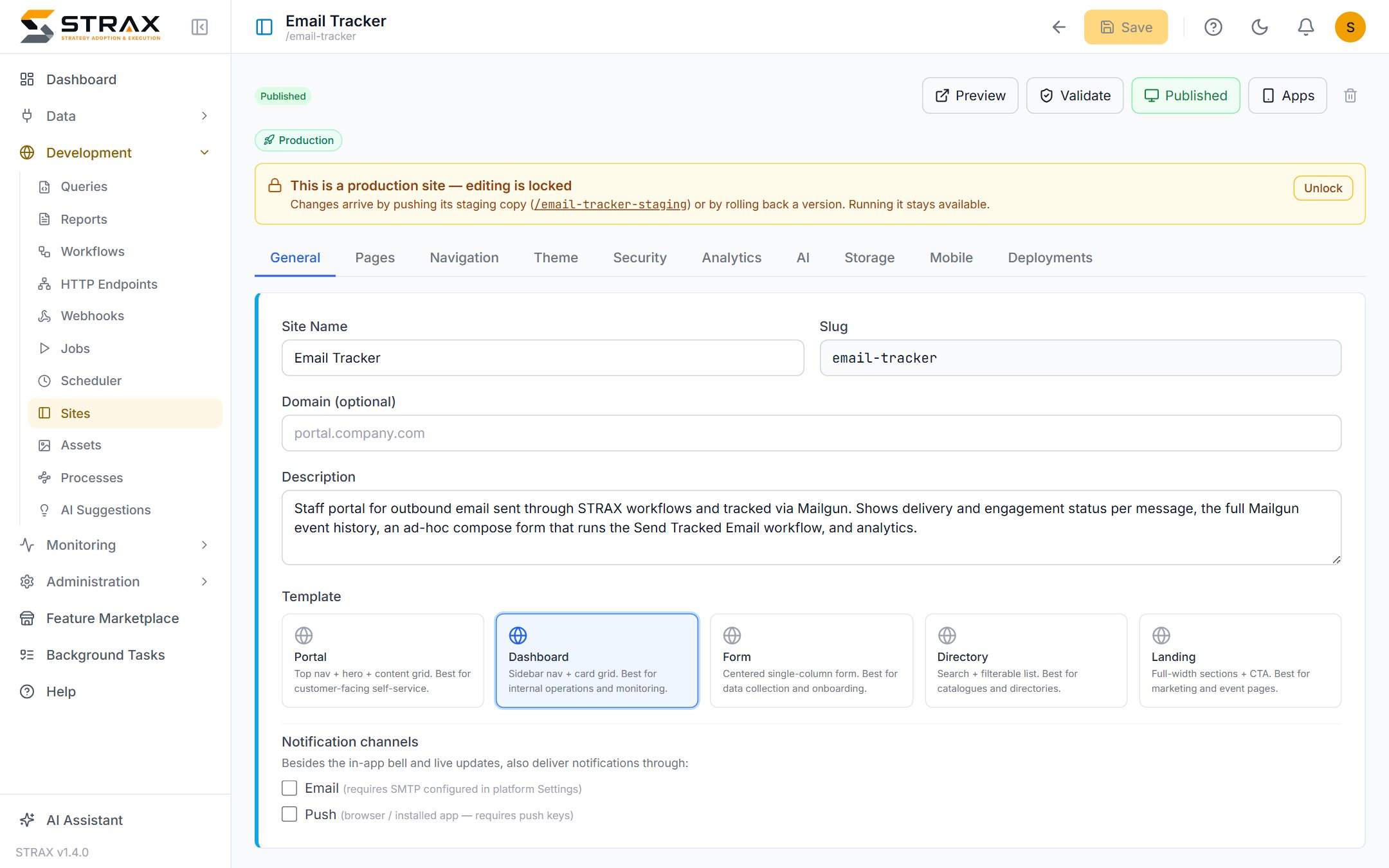
A web application without a development project
A portal is a secure web application built inside STRAX and served by it. It puts your consolidated data in front of the people who need it, without a software project, a hosting exercise or a hand-off to a development team. Demo ISP runs a customer portal for viewing invoices and logging faults, and an internal dashboard for the operations team, both built in the console in days rather than months.
Because a portal reads the hub, one portal covers data from every connected system, including systems connected after the portal was built.
Pages assembled from modules
Portal pages are assembled from ready-made modules. Grids list records with search, sort, filters and paging. Forms collect records with validation. Boards show records as cards dragged between status columns. Calendars and timelines place records in time. Charts and metrics summarise, a chat module carries discussion, and a document module stores files with per-portal size and type limits. Content blocks add rich text and hero sections, and a workflow module lets a page button start a workflow.
Modules bind to your data directly or through a saved query, so a page can present joined, filtered and calculated views rather than raw tables.
Real record creation and editing
Portals are for working, not only viewing. Where the builder permits it, users create and edit records through generated forms with required fields, validation and clear error messages. Dragging a card on a board updates the record's status immediately. Every write respects the portal's permission rules, and rules that limit a user to their own records are enforced by the server rather than by hiding rows in the browser.
Access is per role, per portal
Each portal carries its own users and roles, entirely separate from the STRAX console. A role is granted access page by page and resource by resource, down to hidden columns and row-level rules such as "only this customer's records". Users see only the menu items and pages their role allows. Portals support their own sign-in, self-registration where wanted, single sign-on, and public pages for forms anyone may submit.
Branded, themed and installable
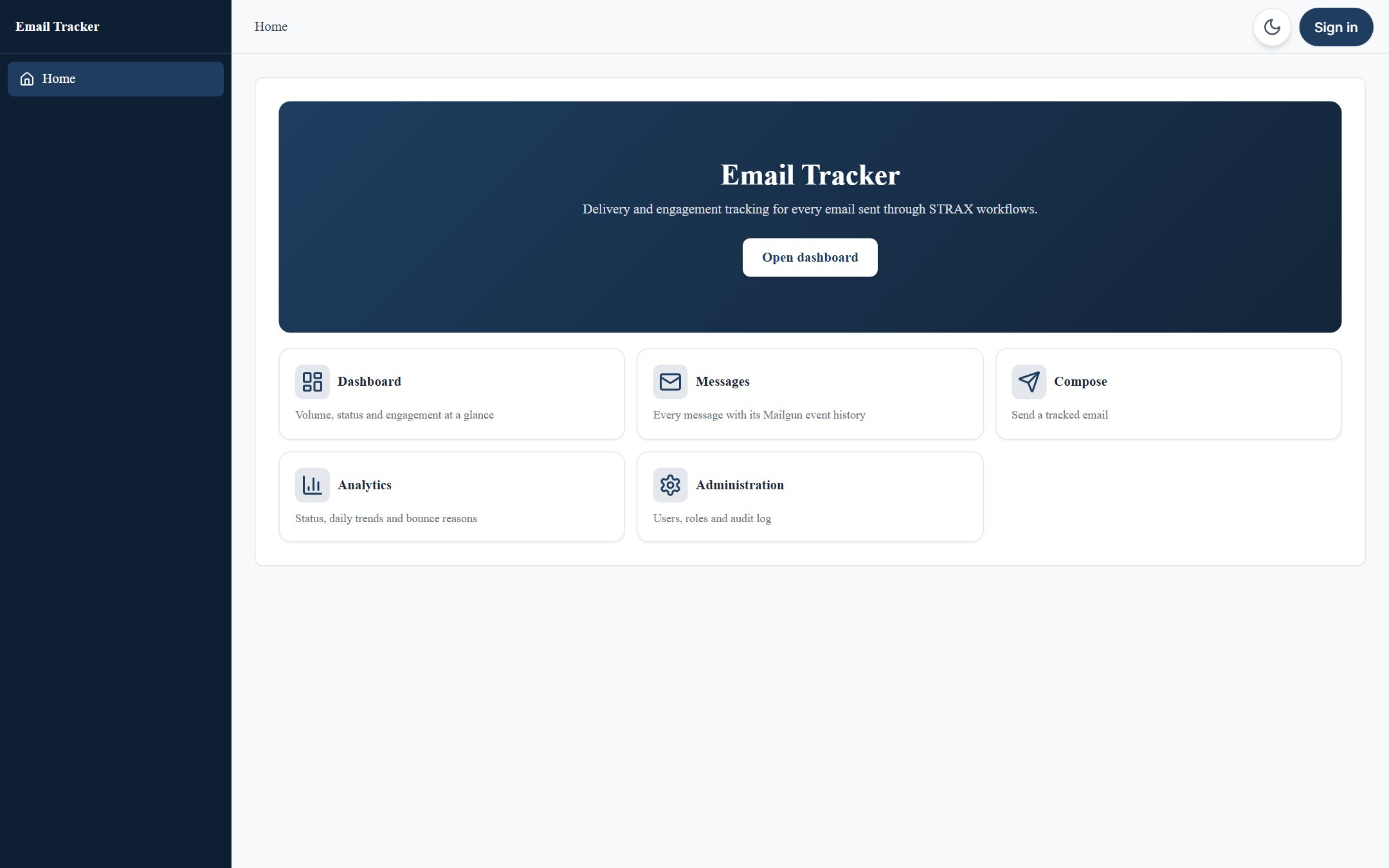
Themes cover colours, fonts, logo, layout and card styling, with full dark-mode support, so a portal carries your brand rather than STRAX's. A portal can live at its own web address on your domain. It can also be installed as an app on phones and desktops straight from the browser, with its own icon and window, or published to the app stores. To the people using it, it is simply a normal web application; they need no STRAX knowledge and never see the console.
Publish with confidence
A portal is edited as a staging copy while the production version keeps serving. Validation checks that every page binds to real data before publishing is allowed, so a broken page cannot go live. Each published version is kept, and rollback restores a previous one in a single step. Analytics integrations and a built-in page-view count show how the portal is used.
Your own address
A portal can live at an address of your choosing — portal.yourcompany.com, its own port, or a
short path on the platform's address — served by STRAX itself, with nothing to install in
front of it. Certificates for a hostname can be uploaded, or obtained from Let's Encrypt and
renewed automatically, so a customer-facing portal is on a proper name with a valid padlock
from the day it goes live.
Where this fits
Portals are the people-facing layer of the platform described in What is STRAX?. The AI copilot can draft a portal from a plain-language description, and portal security is part of the wider governance story in Security. See the features overview or request a quote.